

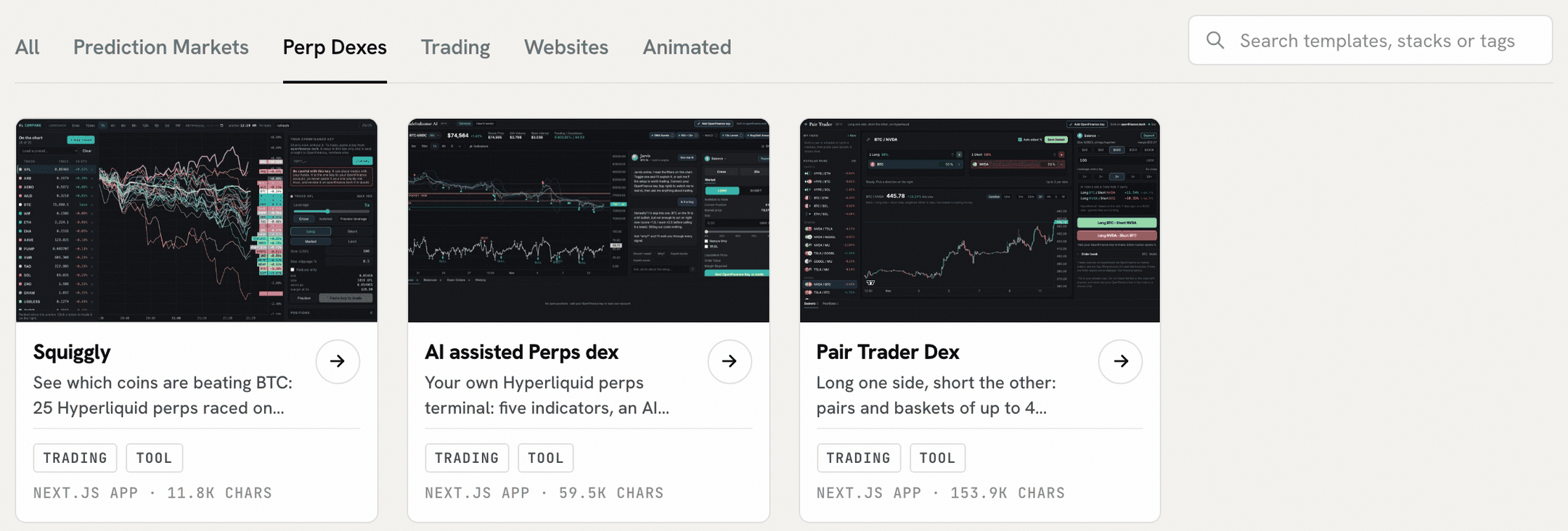
Trading templates on Mainframe, under the Perp Dexes tab
What you need
- An OpenFinance account with AI credits. Building uses more credits than chatting. See Models and AI credits.
- GitHub and Vercel connected, if you want to ship. Connect them from the Build panel or Connectors. You can build and preview without them.
Steps
1
Pick a starting point
From a template: open Mainframe, browse a section such as Perp Dexes or Prediction Markets, open the demo, then click Deploy. The chat opens in Build mode with the template as the first message.From a prompt: open Chat, choose Build in the toggle, and write your brief.
2
Write a brief that leaves little to guess
Say what the app shows, where the data comes from, how often it refreshes, and how it looks. Name the data source so the agent does not invent one:
3
Watch the build and open the preview
A checklist tracks the build: start the sandbox, write the files, install packages, build the preview and write a summary. The preview opens beside the chat when the build is done.
4
Check the numbers, then iterate
Compare a few values in the preview with what the chat tells you for the same market. Then ask for one change at a time:
5
Keep your key out of the code
Do not paste your
open_ key into the chat or the code; it can trade and move funds. The trading templates are written so that the finished app runs read-only and turns on trading only when a visitor pastes their own key in the browser tab, without storing it in the code or the repository. Switch the preview to Code and check that your build does the same.6
Ship it
7
Test any trading feature small (moves money)
If your app can place orders, it trades from the wallet of the key pasted into it. Check that it shows a confirmation before each order, the same rule as OpenFinance itself, and place one small order before you rely on it.
Check it worked
- The deployed address loads without the chat open.
- Values match what the chat reports for the same market.
- Searching the repository for
open_finds no key.
Common mistakes
- One giant brief. Start with one clear page, then add features one message at a time.
- No named data source. “Show funding rates” invites a guess; “Hyperliquid funding rates” does not.
- Trusting AI-written code with funds untested. Review what a bot does and start with small amounts.
- Running out of credits midway. Check your balance before a long template. If a run pauses, click Continue run.
Next guides
Use the inference API in your code
Add a model to the app you built.
Mainframe
Browse every template.