

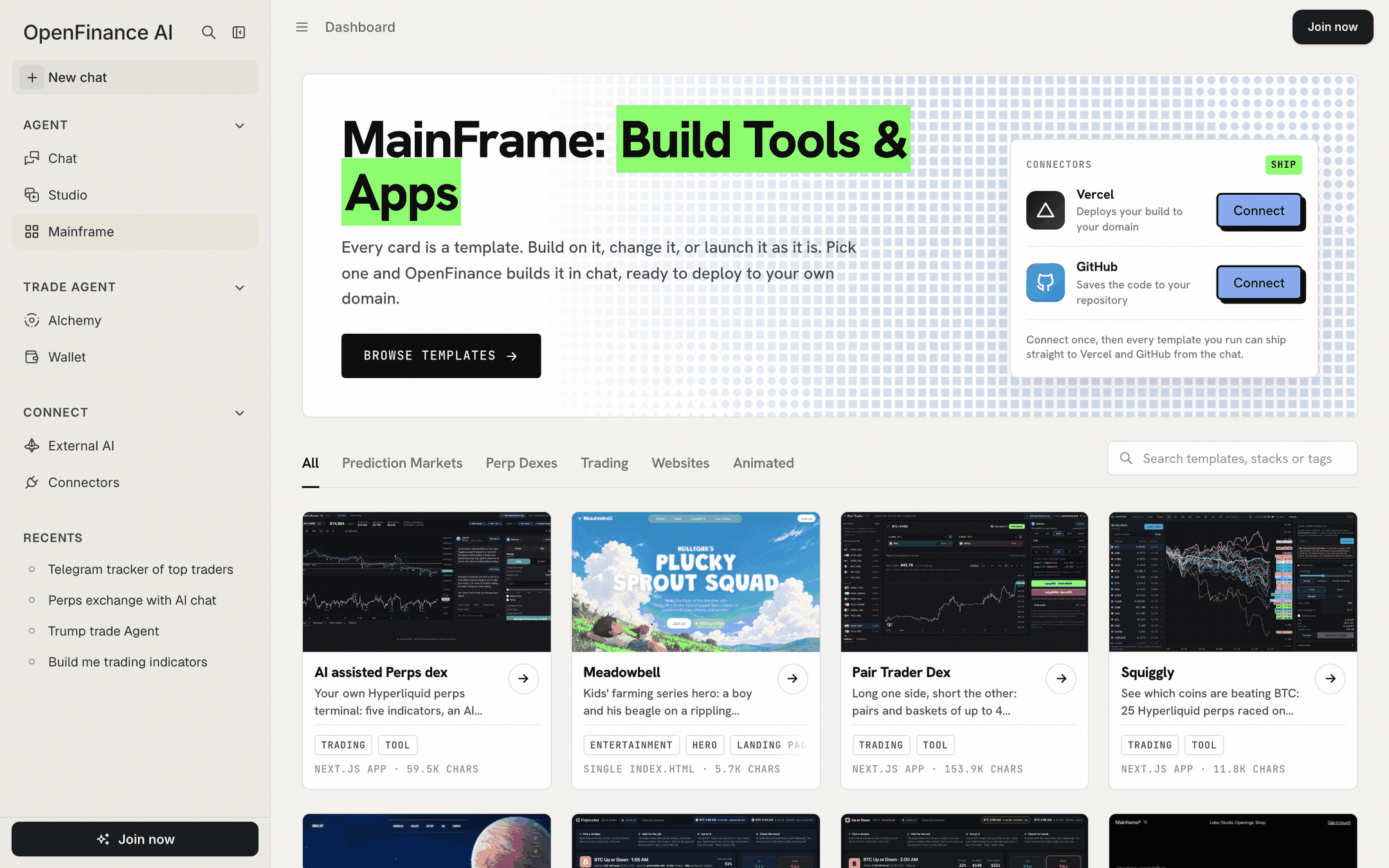
The Mainframe page: the hero with the Connectors card, then the section tabs and the template cards
What a template is
Every card in the gallery is made of two things:- A prompt. A long, precise brief that tells the builder exactly what to make: the layout, the data sources, the copy, the safety rules and a list of checks to run before calling the job done. You can read every prompt before you use it.
- A demo. A preview of what the prompt produces. Website templates show a live page you can click around in. Trading tools show a screen captured with live data, so the gallery never needs your key.
How the gallery is organised
Tabs above the grid filter the cards. A search box beside them matches template names, sections, descriptions, tech stacks and tags.
Section tabs and search
Each card shows the demo, the title, a one-line description, tags, the output (for example “Next.js app” or “Single index.html”) and the prompt’s length. Hover a card for three buttons: Prompt, Open demo and Deploy. The Mainframe card also has a Live link to a deployed copy.
Every template
Here is every template in the gallery today, grouped the same way as the tabs. Click a card to read its own page. The gallery grows over time, so the app may show cards that are not listed here yet.Prediction markets
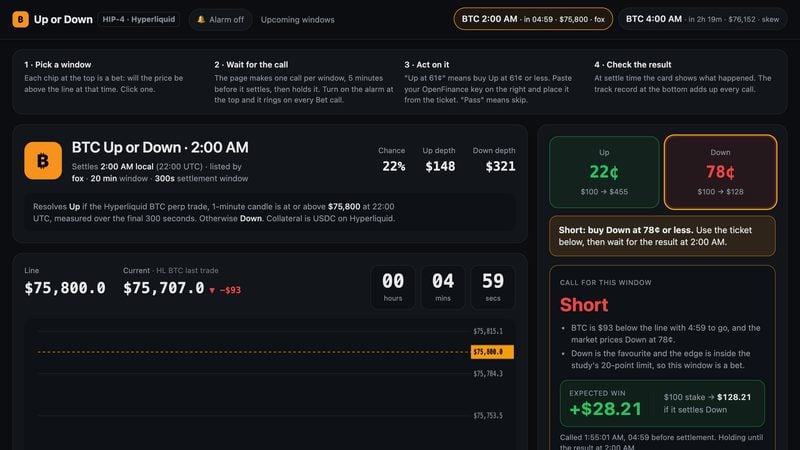
HIP-4 Up/Down Edge
One held call per Hyperliquid BTC up-or-down window, an alarm and a track record.
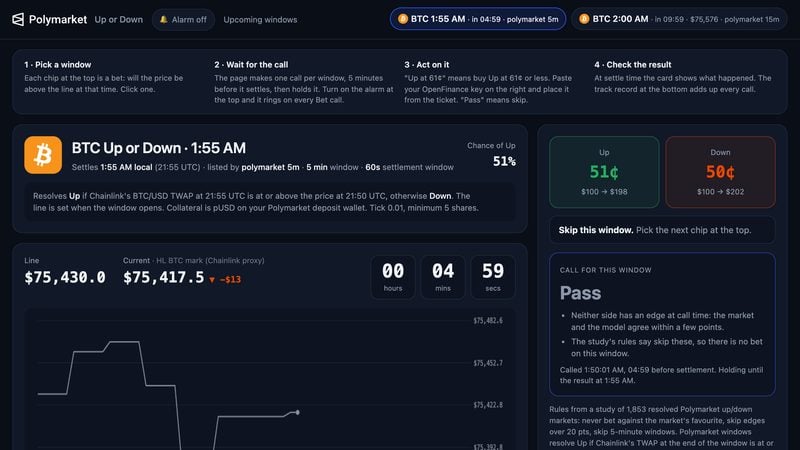
Poly Up/Down Assist
The same helper for Polymarket’s BTC and ETH up-or-down windows.
Perp dexes
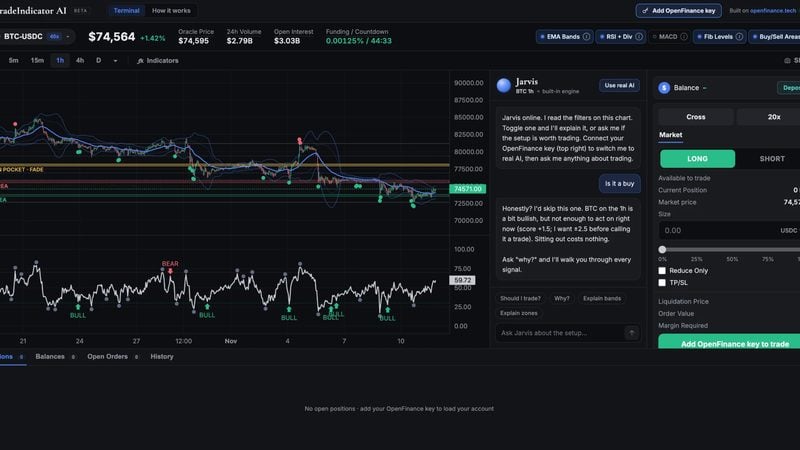
AI assisted Perps dex
A Hyperliquid terminal with five indicators, an AI copilot and a market-order ticket.
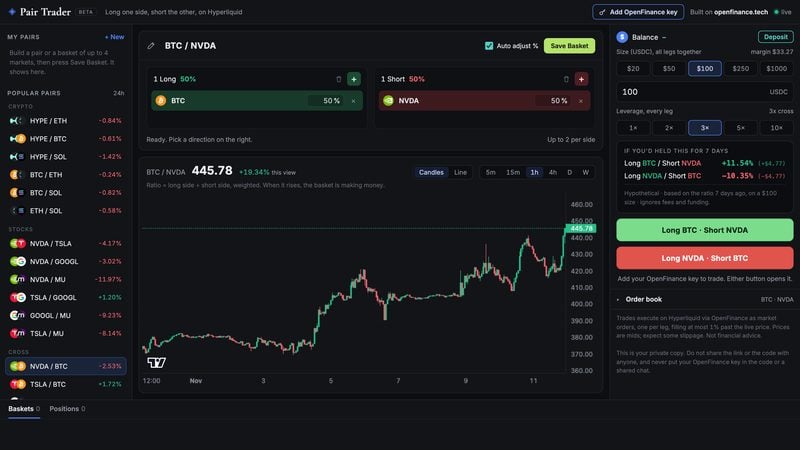
Pair Trader Dex
Long one side, short the other: pairs and baskets of up to four markets.
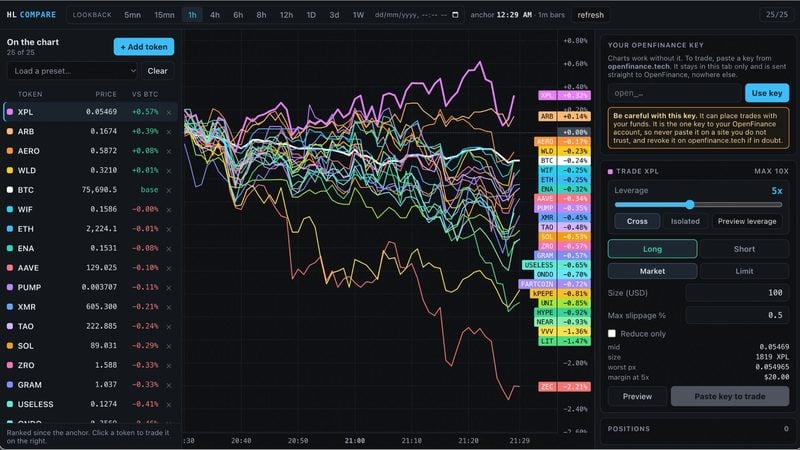
Squiggly
Up to 25 Hyperliquid perps raced against BTC on one chart, with a trade panel.
Trading
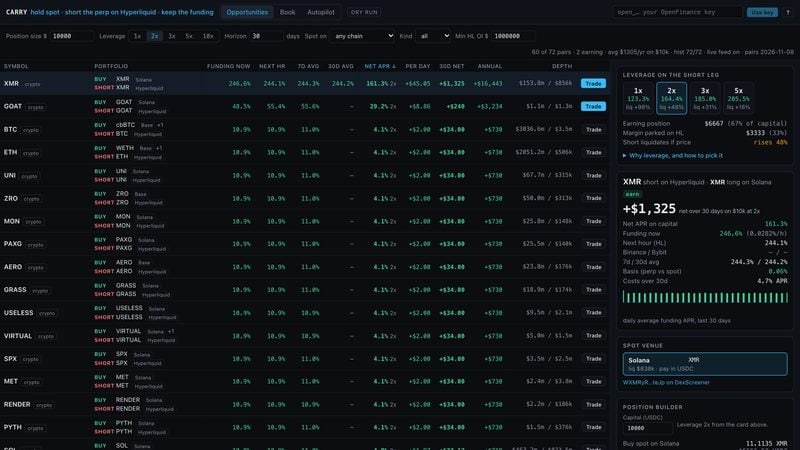
Arb Funding
A funding-carry desk: hold spot, short the perp on Hyperliquid, keep the funding.
Websites
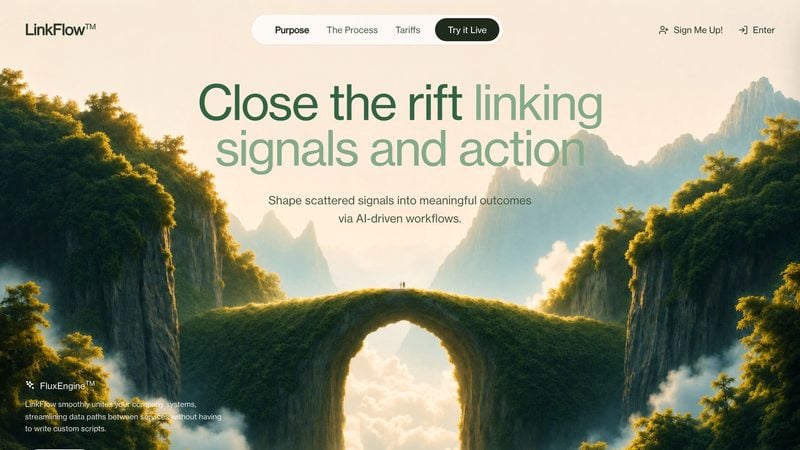
LinkFlow
A workflow automation hero on a looping video, sage green on white glass.
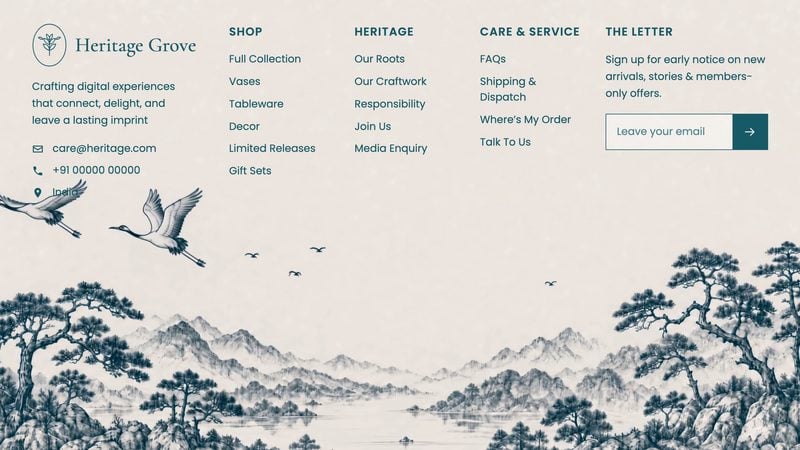
Heritage Grove
A full-viewport footer on hand-drawn ink artwork, in one HTML file.

Camper
An overnight camp hero with a moonlit video and a stacked serif headline.
Animated
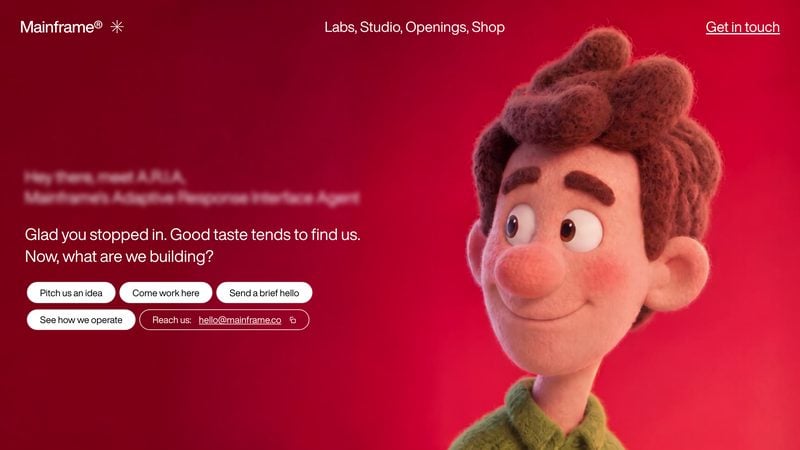
Mainframe
A creative agency hero with a mouse-scrubbed video and a typewriter greeting.
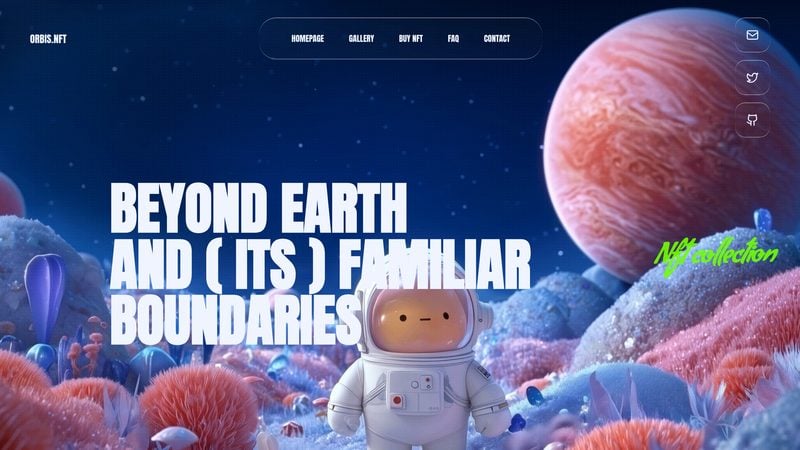
Orbis
A four-section NFT site in deep space with video backgrounds and liquid glass.

Meadowbell
A kids’ series hero: a boy and his beagle on a rippling painted hillside.
Before you start
A few things are worth knowing before your first deploy.- Browsing, opening demos and reading prompts work without an account. Deploying asks you to sign in. Please make an account at openfinance.tech to get your keys.
- Connect GitHub and Vercel once, in the Connectors card at the top of the page, so the finished app can ship straight from the chat.
- Templates are long prompts, so a build spends more AI credits than a short chat. See Models and AI credits.
- Trading templates place real orders only with your own OpenFinance key, pasted in your own copy. Read Keys and safety first.
Next
How it works
From demo to a deployed site you own, step by step.
Customize a template
Change a template before or after you build it.
Keys and safety
How trading templates handle your OpenFinance key.
Build mode
The builder that turns a prompt into an app.