

What you need
- A connected agent. Reading other traders moves no money.
- Addresses to follow. Good sources are the Polymarket leaderboard (step 4) and the Live Transactions page for large Hyperliquid orders.
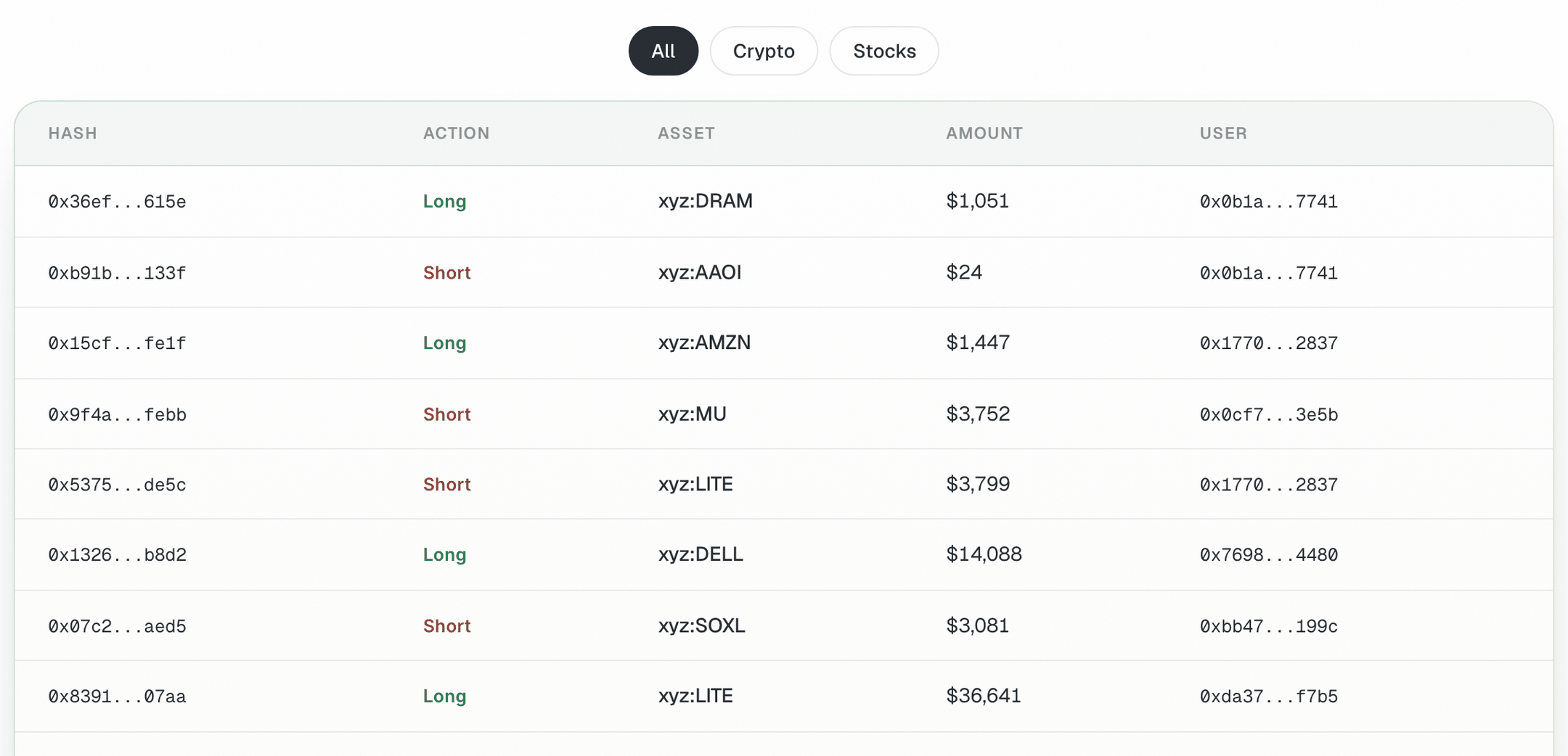
The User column on Live Transactions links each large Hyperliquid order to a trader address
Steps
1
Read one Hyperliquid wallet
2
Compare several wallets at once
3
Look at a wallet's recent fills
4
Find Polymarket traders worth watching
5
Read a Polymarket trader's record
6
Mirror a position yourself, if you choose (moves money)
Turn it into a routine
Save your watchlist in a note and paste it at the start of a session:Check it worked
- The positions the agent reports match what you see on the venue’s explorer for that address.
- The Polymarket address you track is the trader’s deposit wallet, which is the address the leaderboard gives you.
Common mistakes
- Copying late. By the time you see a position, the price may have moved. Check the book before you size.
- Copying size. A large trader’s position size says nothing about what fits your account.
- Mistaking orders for fills. On Live Transactions, a row is an order; it may fill, partly fill or be cancelled.
- Reading only open positions. Look at closed positions and profit and loss over time.
- Expecting automatic copy trading. Every order is yours to confirm.
Next guides
Polymarket from research to redeem
Place and manage your own order.
Build a trading dashboard or bot
Turn a watchlist into an app.