

Open the Deposit sheet
1
Open the account panel
Click Deposit in the top bar. You can also open the Wallet page and click Deposit there.
2
Click Deposit
Under your wallet total, click Deposit. A sheet opens with a QR code and your address.
3
Pick the right tab
Choose EVM, Solana or Polymarket at the top. The address, the networks and the notes change with the tab.
4
Send from your exchange or wallet
Scan the code, or copy the address and paste it into the app you are sending from. Check the network there matches one listed on the sheet.
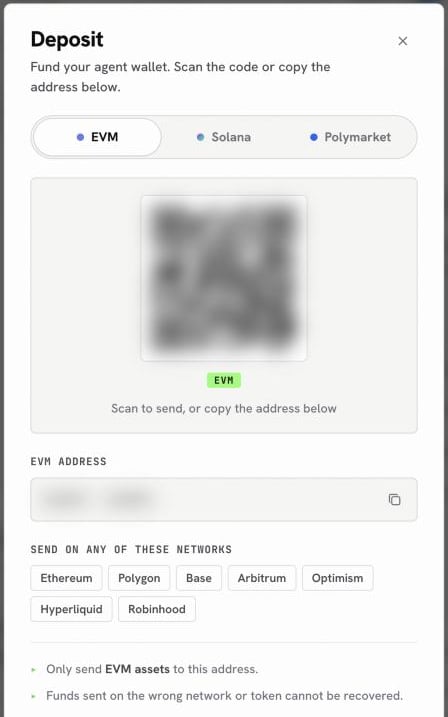
The Deposit sheet on the EVM tab
The three tabs
Each tab is a different address for a different job, so the tab you pick decides where your money lands.
The EVM address is the same on every EVM chain, which is why one tab covers seven networks. What changes is the network you choose when you send.
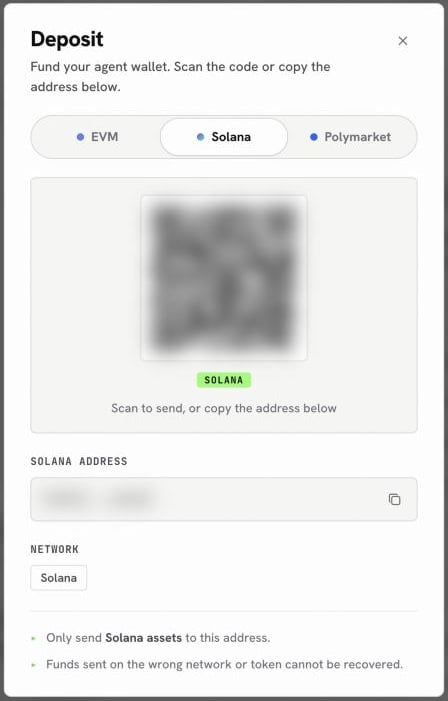
The Solana tab: a separate address for Solana assets
From your wallet to a venue
Money sent to the EVM or Solana tab sits in your own wallet. To trade on Hyperliquid you move it onto the venue in one more step, which the agent does for you after you confirm. Polymarket is the exception: its tab is the venue’s own deposit address, so funds sent there are ready to trade.Deposit for Polymarket
pUSD on Polygon, straight to your trading balance.
Deposit for Hyperliquid
USDC on Arbitrum, then onto Hyperliquid.
Deposit onchain
Tokens and gas on EVM chains and Solana.