

From a template
Pick a ready-made tool or site in Mainframe and deploy it. Fastest way to something that works.
From a prompt
Describe exactly what you want in Build mode and shape it by chatting.
Build from a prompt
Templates have their own guide in Mainframe. Starting from a prompt works like this:1
Switch to Build
Open openfinance.tech/chat and choose Build in the toggle at the top.
2
Describe the app
Be specific about what it shows and what it does. For example:
3
Watch it build
A checklist shows each stage. When the build is done, the preview opens next to the chat.
4
Ask for changes
Keep chatting: “add a chart under each price”, “make the table sortable”. Each change updates the preview.
5
Ship it
Connect GitHub and Vercel once, then click Push or Deploy, or simply ask “Deploy this app to Vercel.” A deploy gives the app a permanent address on your own Vercel account.
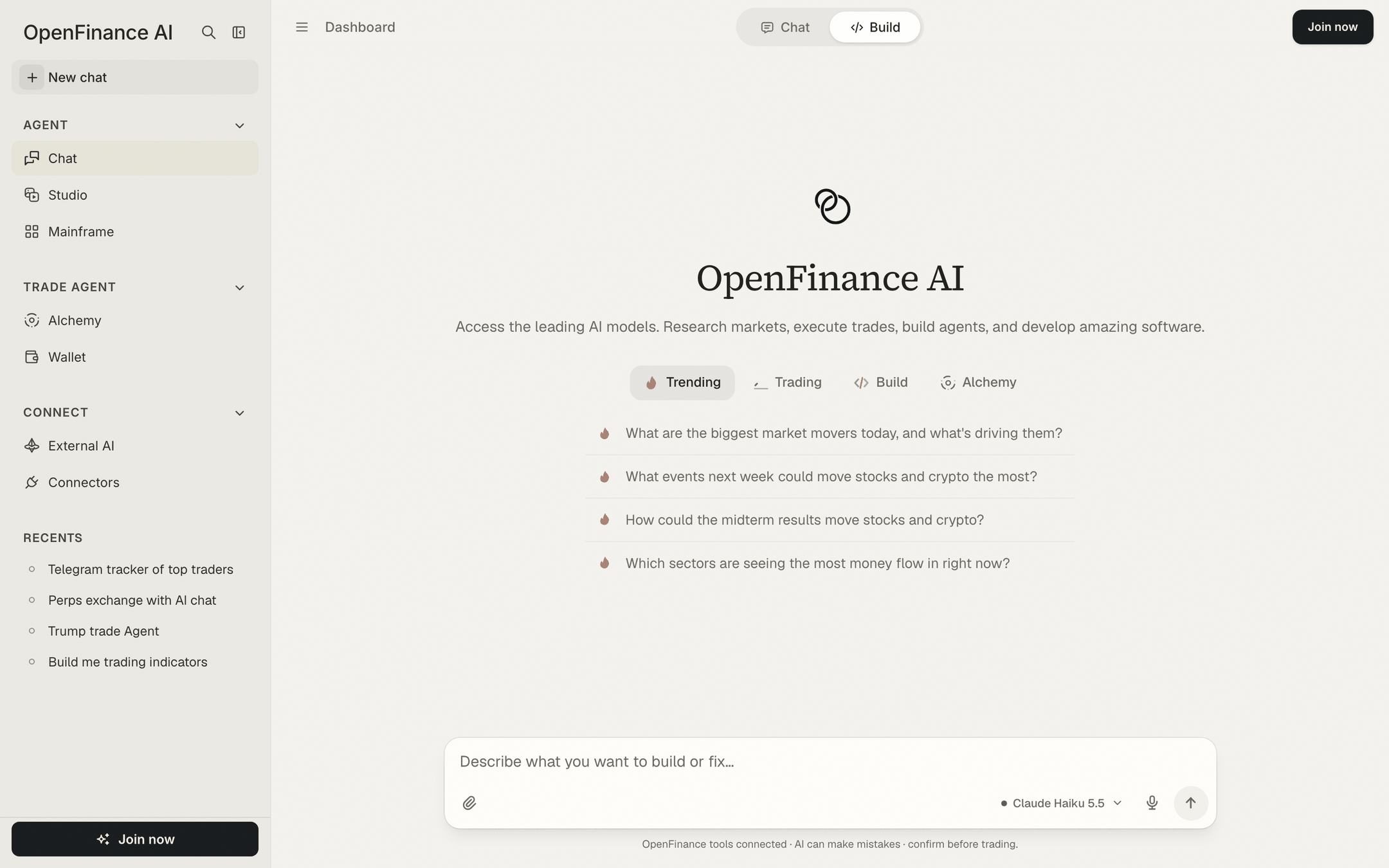
Build selected in the top bar of the chat
Next
Build mode
The preview, the Build panel and shipping in detail.
Mainframe
Templates you can deploy and change.
Connectors
Connect GitHub and Vercel before you ship.